FAQ - Frequently asked questions
In this section you will find answers to frequently asked questions.
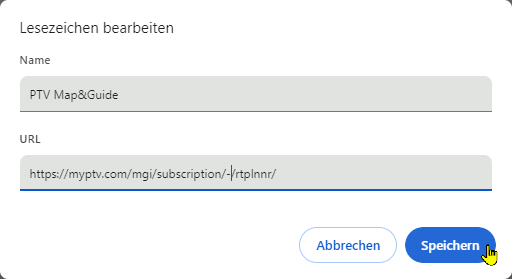
How can I create a browser bookmark for TLNplanner ?
|
Question: |
I would like to create a bookmark in my browser to access the route planner. However, the address of the website contains a long, untraceable character string. This string is dynamic. This means that the link may be invalid the next time I try it. |
|
Answer: |
|
| Result: | The next time the bookmark is called up, the character string is regenerated, but the link in the bookmark does not lose its validity. |

How can I switch back to my current Map&Guide version?
|
Question: |
How can I switch from the new version of TLNplanner to my previous version? |
|
Answer: |
Simply follow this link to switch to your current PTV Map&Guide internet version: |
Can I use the new version and the current version in parallel?
|
Question: |
Is it possible to use the current version Map&Guide Internet in parallel with the new version Map&Guide? |
|
Answer: |
Yes, you can use the current version (PTV Map&Guide internet) and the new version in parallel at no additional cost. |